
1. Send the equipment details first
Start by telling us what machine the part is for and where it is used in the kitchen. Include the equipment type, model number if visible, and whether it is an oven, fryer, dishwasher or another commercial appliance. If the data plate is hard to reach because of heat, grease or a tight fit, send a clear photo of that plate instead.
We use these details to narrow the search before anyone starts pulling stock. That saves time and cuts down on the back and forth that often happens when a part is described only as "the round thing under the front panel" or "the black switch on the side".
- Equipment type and model number
- Serial number if available
- Town or area for delivery
- Whether the unit is gas or electric
2. Take clear photos from more than one angle
A photo tells us a lot, especially when the old part has no visible code. Send one image of the full machine, then a close-up of the part itself and the way it sits in the appliance. If the part has terminals, mounting holes, clips or a connector, take a photo of those too. A second angle helps when parts look similar but fit differently.
Good light matters. If you are on site in a dark prep area or the kitchen is still closed after a load-shedding restart, move the part near a window or use a phone torch. Please wipe off heavy grease where possible, but dont scrub off labels or stamps on the part.
- Full machine view
- Close-up of the faulty part
- Wiring or connection points
- Any numbers, stamps or markings
3. Measure the part before you send the request
Many commercial kitchen parts look alike but the size can be different by only a few millimetres. Measure the old part where it matters most. For elements, give the length, wattage if shown, and the shape of the bends. For gaskets, measure the frame opening, corner style and the overall length. For burners and switches, note the fixing points and connection layout.
Use a ruler or tape measure and send the figures in millimetres if you can. If the part is damaged, measure from the undamaged side or send photos with a ruler in shot. That helps our technical team check fitment without guessing, which is important for kitchens in coastal areas where corrosion can also change the way a part sits.
- Length, width and depth
- Fixing hole spacing
- Connector type and position
- Any visible code or rating
4. Tell us what has failed and what you need
We need the symptom as well as the part request. For example, say whether the oven is not heating evenly, the fryer is tripping, the dishwasher is not switching on, or the gasket is leaking steam. This tells us if one part is faulty or if there may be another issue such as a thermostat, switch, terminal block or element problem.
If you are not sure which part is the cause, we can still help identify it from the symptoms and photos. Our team does part identification and compatibility checks every day, so a short note is often enough to point us in the right direction. If there is smoke, sparking or a gas smell, stop using the unit and arrange safe inspection first.
5. Choose collection or delivery from Midrand dispatch
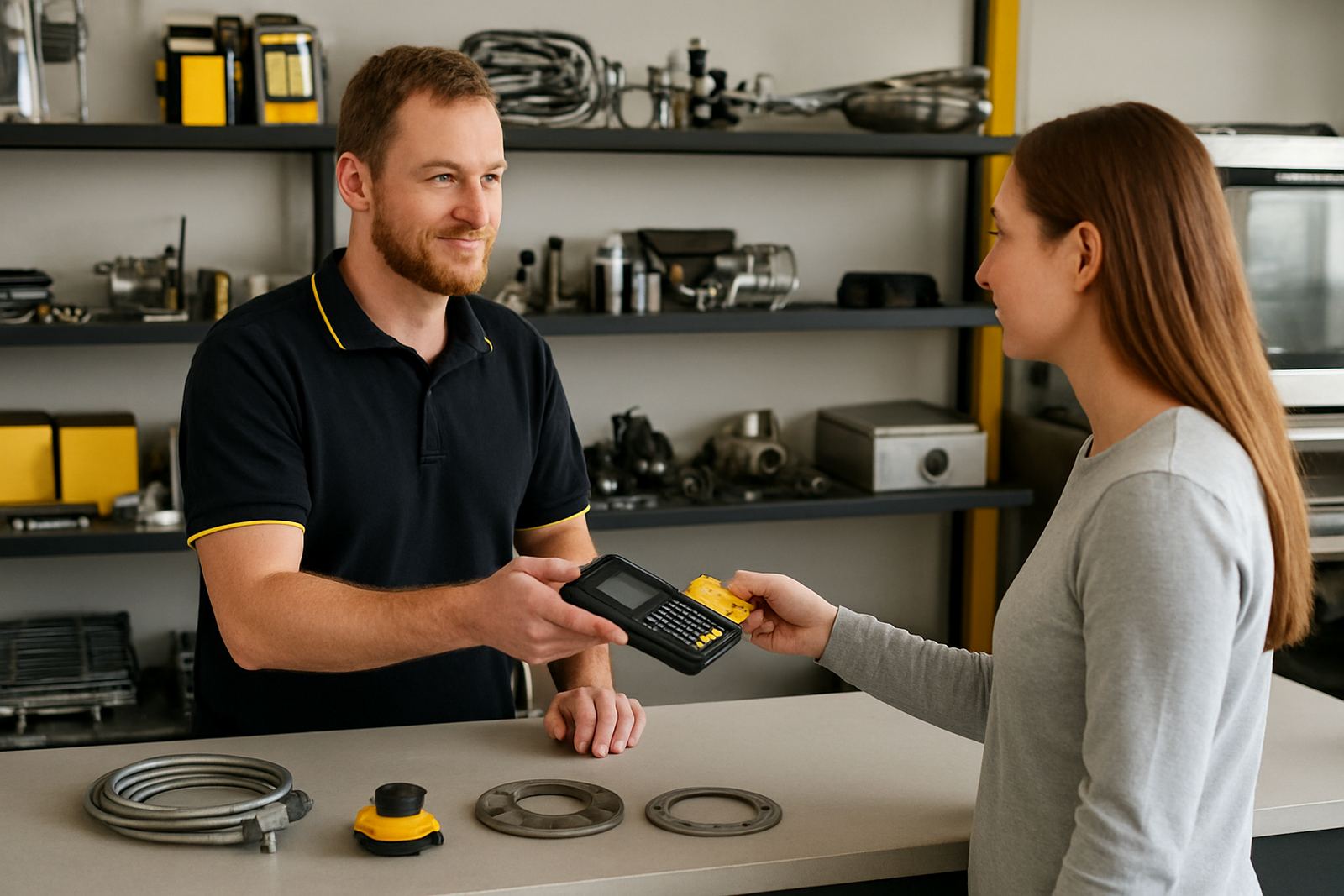
Once we confirm the part, we will let you know stock status, pricing and dispatch timing. Orders move from our Midrand base to Johannesburg, Pretoria, Durban, Cape Town and Bloemfontein, as well as other areas nationwide. We pack for courier dispatch and can advise on the best route if the part is needed urgently for a service call or a kitchen reopening.
If the part is going onto a job card, tell us the site name and the fitter or technician handling the installation. That makes it easier to keep the order tied to the correct machine and reduces delays when a replacement is needed for a school kitchen, hotel, takeaway or canteen.
- Confirm stock and price
- Choose courier delivery or arranged collection
- Share the delivery address and contact number
- Keep your order reference for follow-up
6. After fitting, test the unit and keep the old part
After the part is fitted, test the equipment before putting it back into full service. Check heat-up time, cycling, sealing, switching and any leaks or unusual noises. For ovens and fryers, allow enough time for the unit to reach working temperature. For dishwashers, run a cycle and check that the heater, switches and seals are doing their job.
Keep the old part until the job is complete and the machine is working as expected. If there is any issue after fitting, having the old unit and the photos on hand helps us check what changed. We also offer post-fit testing and onsite parts support where needed, especially for busy kitchens that cannot afford long downtime.
7. Where to send your request
Email your photos, measurements and equipment details to parts@foodservparts.co.za. Add your name, the business name, the town and a phone number where we can reach you during business hours. If you are sending several parts at once, number them clearly so we can match each photo to the correct item.
FoodServ Parts Store has supported commercial kitchens since 2016, and our Midrand team knows how quickly a blocked fryer or failed thermostat can slow service. Send the details through in one message if possible, then we can check compatibility and come back to you with the next step.