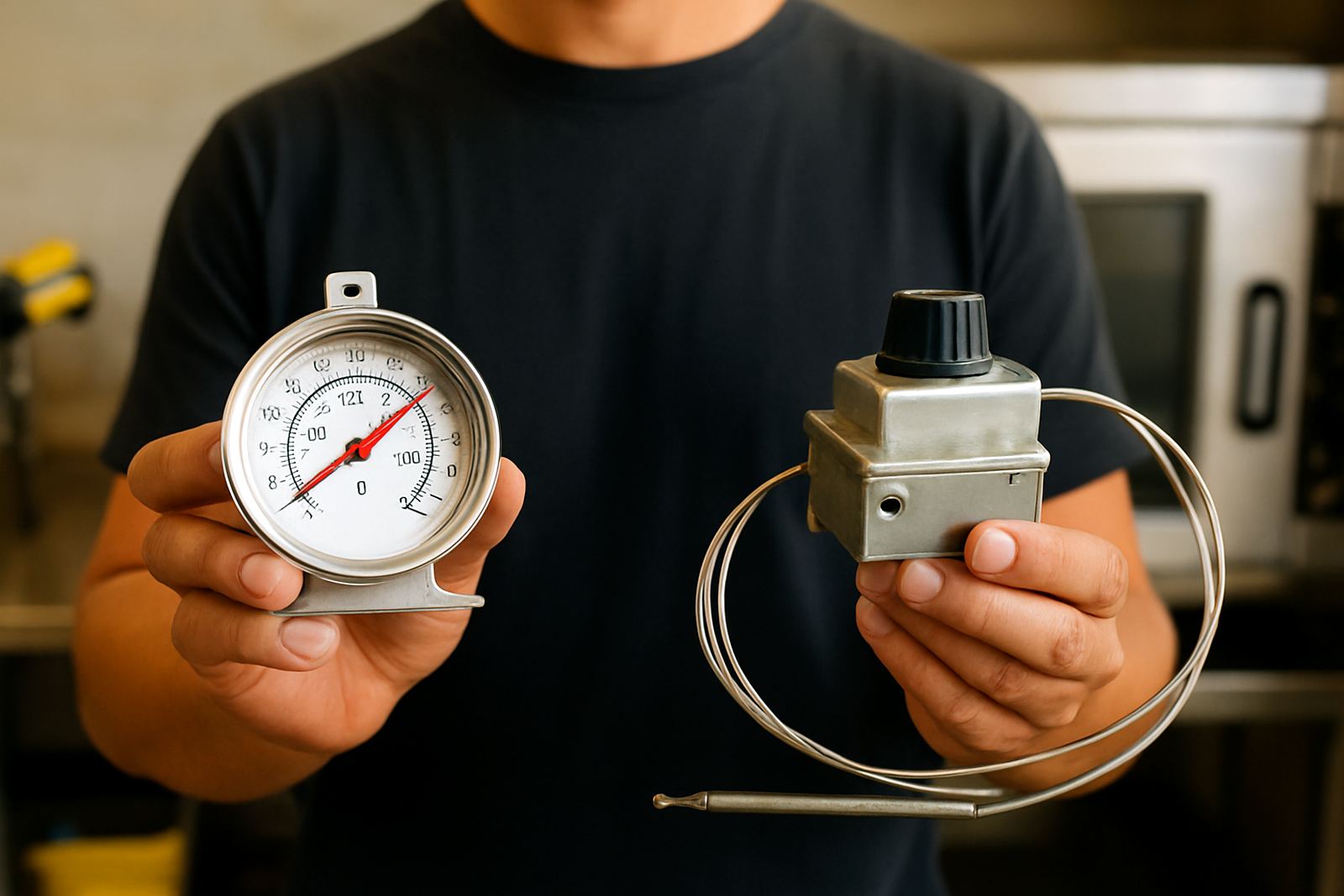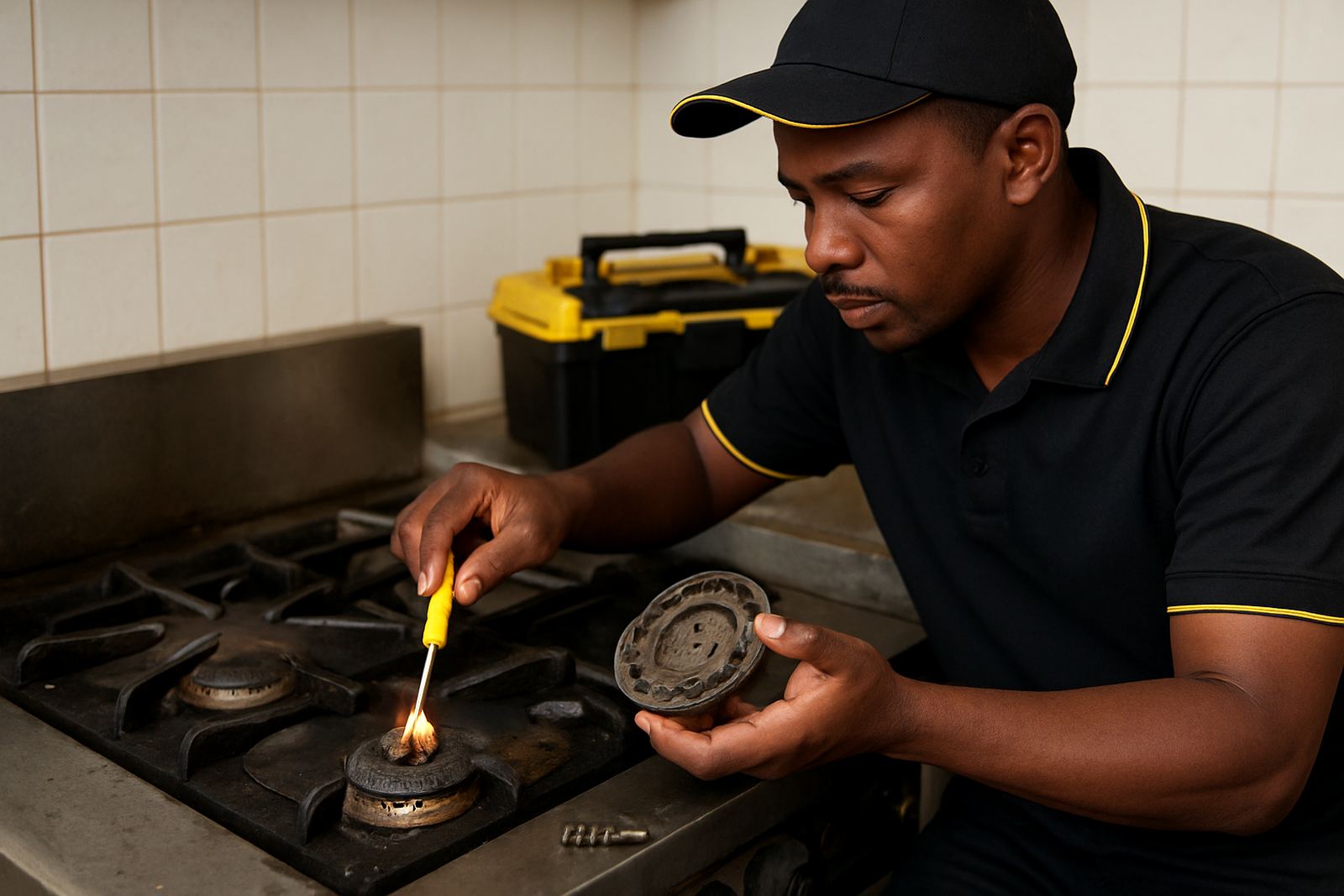

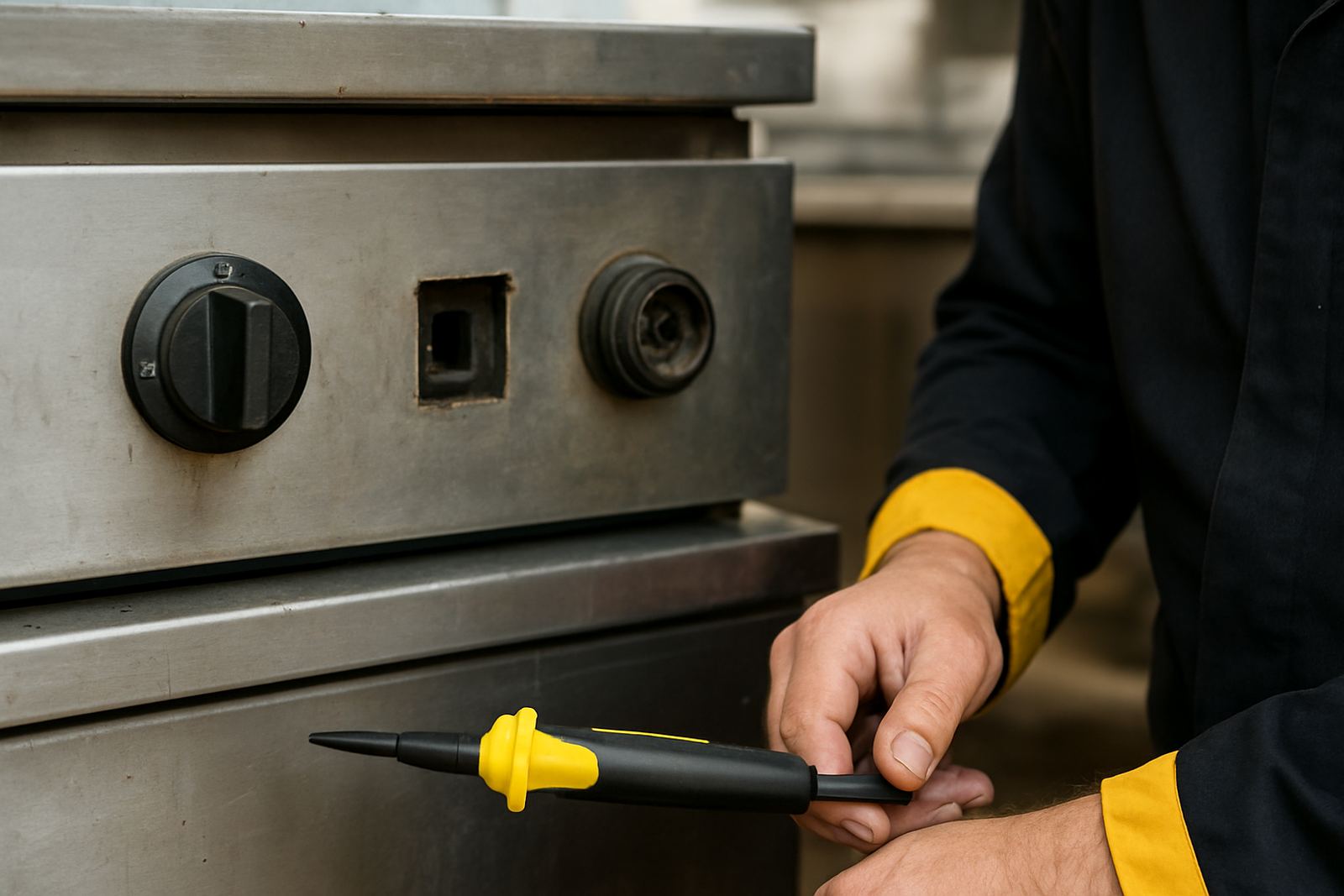
What a dead switch usually points to
When a switch feels loose, clicks but does nothing, or only works now and then, the problem is usually in one of three places. It can be the switch body itself, the terminals behind it, or a fault further back in the circuit such as a relay, control board or safety cut-out. On commercial kitchen equipment, heat, steam and vibration all shorten component life, especially in busy sites where the gear runs long shifts.
We see this often on ovens with high heat around the fascia, deep fryers with grease build-up, and dishwashers where moisture creeps into the panel. In coastal areas like Durban or Port Elizabeth, humidity can also speed up corrosion on terminals. In Gauteng, dust and load-shedding surges can make weak parts fail quicker than expected.
First checks before you touch the panel
Before opening anything, switch the machine off at the isolator and wait for it to cool. If it is a heated appliance, give it enough time so you are not working around live heat. Check whether the whole machine is dead, or only one function. That helps separate a local switch fault from a bigger power issue.
- Confirm the plug, isolator and breaker are on and not tripped.
- Look for scorch marks, melted plastic, or a burnt smell at the control area.
- Check for loose knobs, cracked buttons or stuck rocker switches.
- Note whether the fault started after a power outage or water spill.
- If the unit is a dishwasher, check for moisture inside the front panel.
If more than one control has stopped responding, the issue may be upstream rather than at the switch itself. That is common when a safety thermostat, door switch, pressure switch or control relay has opened the circuit.
Signs the switch or terminals have failed
A failed switch does not always look damaged from the front. The problem may be hiding behind the panel where the spade connectors sit. If a terminal has overheated it can turn dark, go brittle, or lose grip on the wire. In some cases the connector still looks fine but it no longer makes proper contact, so the machine works only when the panel is bumped.
- Intermittent response when you press or turn the control.
- Flickering indicator light or partial operation.
- Heat discolouration around the switch body or connector tags.
- Loose terminals that slide off too easily.
- Wire insulation that has hardened or melted near the connection.
On ovens and fryers, heat transfer from the cabinet can cook nearby terminals over time. On dishwashers, repeated steam exposure and chemical splash can corrode the contacts. If a switch has failed more than once, the fitting may also be under strain or the machine could be drawing more current than it should. A quick replacement without checking the cause can lead to the same problem again.
How to trace the fault step by step
Start at the switch and work outward. Visual checks come first, then testing with the correct meter. If you are not comfortable testing live equipment, bring in a qualified tech. Commercial kitchen gear can carry enough current to injure you, and some machines store heat in parts you may not expect.
- Isolate power and remove the control cover.
- Inspect the switch body, terminals and wiring for burn marks or corrosion.
- Check that the terminals are seated firmly and the wires are not loose.
- Test continuity across the switch in the on and off positions.
- Follow the circuit to any fuse, safety thermostat, relay or control board.
- Restore power only when the panel is secure and safe to test.
If the switch tests correctly, keep tracing. The fault may be a downstream load like a heating element, pump motor or contactor coil that has failed and taken out the control path. In many cases the actual culprit is a small burnt connector, not the expensive part everyone first suspects.
Part matching matters more than guessing
With switches, the wrong part can fit physically but still fail electrically. Matching must include the rating, terminal layout, mounting style and function. A fryer switch and an oven switch may look similar, but if the rating is too low it will overheat. If the connector pattern is wrong, the wiring gets forced and that soon leads to another fault.
Before ordering, check the old switch body, the appliance model plate and any markings on the existing terminals. If the machine has had a repair before, do not assume the previous part was correct. We often see mixed parts in the same control box, which is a headache when something goes down again during the lunch rush.
- Voltage and current rating.
- Number of positions or poles.
- Mounting size and panel cut-out.
- Terminal layout and connection type.
- Application type, for example heat, pump, light or fan control.
When to replace the switch and when to look wider
Replace the switch when the body is cracked, the contacts are burnt, or the action is no longer reliable. If the terminals have overheated, replace the connectors too and trim back any damaged wire if needed. But if the switch keeps failing after replacement, stop and look for the reason the circuit is under stress.
That wider check can include a failing thermostat, a sticky door interlock, a shorted element, water ingress or a control board issue. On some units, a switch only appears dead because a safety device has opened the circuit. In other words, the switch is innocent and the fault is sitting somewhere else in the line.
For sites in Johannesburg, Pretoria, Durban, Cape Town and Bloemfontein, we can help identify the part, check compatibility and arrange fitting support where required. Midrand dispatch keeps parts moving nationally, which matters when a kitchen is trying to stay open through a blackout or a full service shift.
Simple maintenance that prevents repeat failures
Once a switch fault has been sorted, a little upkeep goes a long way. Keep control panels clean and dry, and do not hose down the front of the machine. Check that the appliance is not sitting where heat from the oven cavity or fryer tank can bake the switches from behind. On dishwashers, make sure door seals are sound and spray does not leak into the panel.
A quick monthly check can catch early warning signs before service stops. Look for sticky buttons, soft clicks, warm terminals and any change in response time. If a control starts feeling different, do not wait for it to die completely. That is usually when the terminal gets hot enough to damage the surrounding wiring as well.
We keep stock for common commercial kitchen controls and related fittings, with support for part identification, compatibility checks, fitting and post-fit testing. If the switch is not responding, the safest next step is to test properly, match correctly, and fix the cause not only the symptom.