
Start with the symptoms, not the dial
An oven that is too hot will often show the same signs long before the control panel gives trouble. Food starts browning too fast, tray edges burn, and the cavity keeps climbing even after you turn the setting down. In some kitchens the issue only shows up after 20 to 30 minutes, once the cabinet and door seals are fully warm.
Before you strip anything down, note exactly what is happening. Is the whole oven overheating, or only one side or shelf level? Does it happen on electric units, gas units, or both? A clear pattern helps narrow the fault to the thermostat, sensor, relay, contactor or burner control. In busy sites around Midrand, Johannesburg and Pretoria, that small bit of detail saves a lot of time later.
- Check the set temperature against an independent probe.
- Watch for overshoot after the oven reaches heat.
- Look for uneven cooking, not just high heat.
- Listen for relays or contactors that keep clicking on after cut off.
Thermostat faults are the first place to look
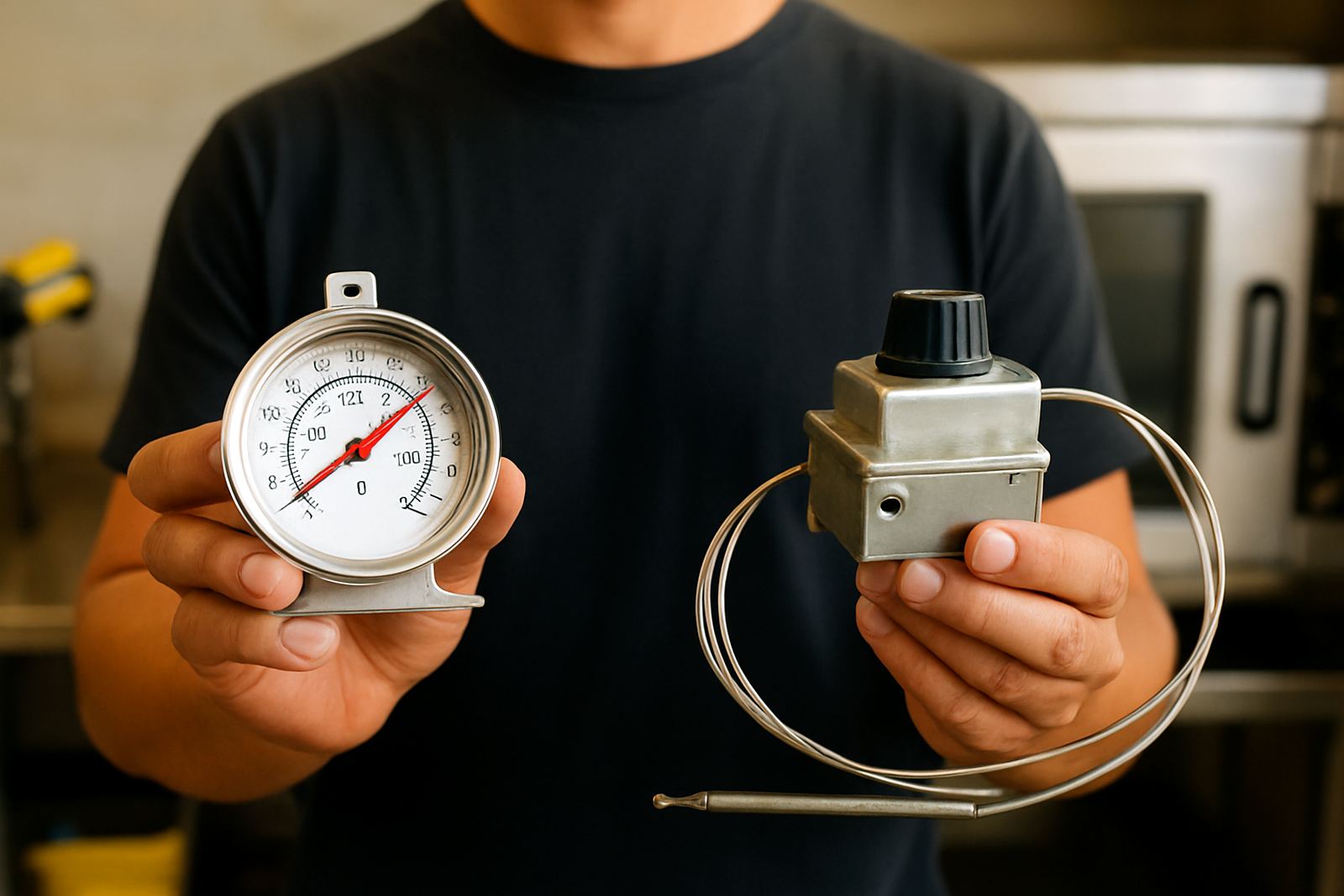
The thermostat is the most common reason an oven runs too hot. If the sensing part is out of position, damaged by grease, or worn from age, it may keep calling for heat after the cabinet has already reached temperature. On older ovens, the knob can also feel normal while the contacts inside are sticking.
A quick test is to set the oven to a moderate temperature and compare the internal reading with a separate thermometer. If the cabinet climbs 20 degrees C or more above the set point and stays there, the thermostat may be out of calibration or failing completely. In many cases, replacement is the safer route rather than repeated adjustment.
- Check that the thermostat capillary or probe is seated correctly.
- Inspect for kinks, burns, or damage near the sensing tube.
- Look for temperature drift during a full heat cycle.
- Replace any thermostat that does not cut out cleanly.
Sensor and control issues on digital ovens
Digital ovens can overheat when the temperature sensor sends the wrong reading to the control board. A faulty probe may read low, so the oven keeps heating to try and catch up. Loose terminals, heat damage at the back of the unit, or a cracked sensor sheath can all cause this. On some units, a bad control board relay can hold power on even when the display says the target temperature has been reached.
If the fault appears after load-shedding or a power dip, do not ignore it. Surges can damage control parts and leave the oven behaving oddly for days. In coastal areas such as Durban and Cape Town, humidity can also affect connectors and terminals, especially where cleaning has been heavy and drying time is short. A dry, clean inspection often shows up the problem quickly.
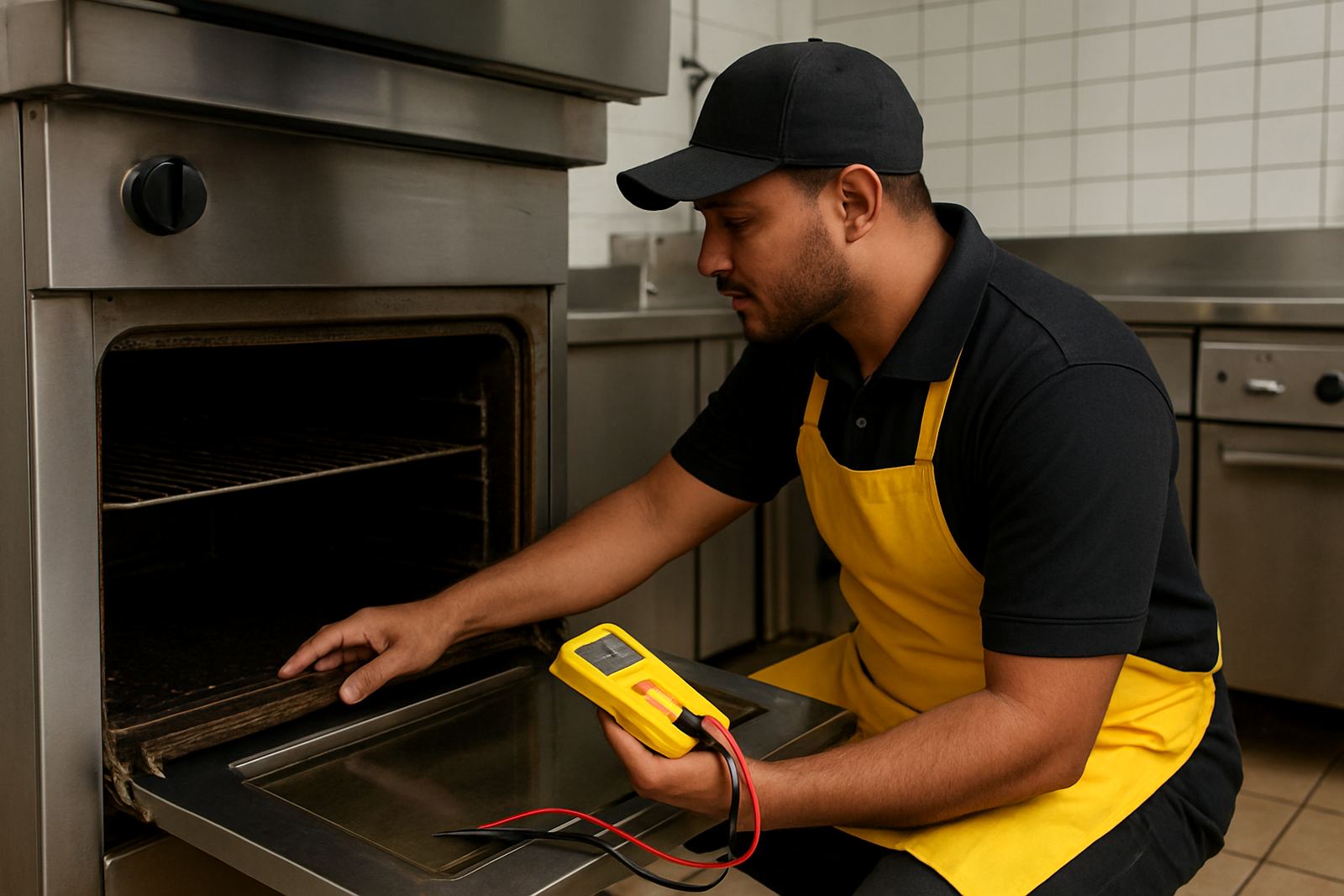
- Check sensor resistance if you have the correct test data.
- Inspect terminals for heat marks or loose fitment.
- Look at the display for error codes or unstable readings.
- Test the control board relay if the heater stays live too long.
Burners, contactors and stuck power parts
On gas ovens, a burner that stays on too long or lights unevenly can push the cabinet above the set temperature. Dirty jets, a sticky gas valve, or poor flame control can all play a part. On electric ovens, a stuck contactor or relay can keep an element energised even when the thermostat has switched off. That is where overheating gets dangerous, because the machine keeps feeding heat with no proper control.
If the oven still heats after switching off at the control, isolate it and arrange a proper inspection. Do not keep using the unit while it is overshooting badly. A stuck power part can damage elements, seals and wiring, and in some cases it can trip breakers or put strain on the whole kitchen line.
- Check whether heat continues after the set temperature is reached.
- Listen for a contactor that remains pulled in.
- Inspect gas burners for uneven flame or delayed cut off.
- Look for scorched wiring near the control compartment.
Door seals, gaskets and airflow still matter
A bad door seal will not usually make an oven too hot on its own, but it can make the controls behave badly. Heat leaks out, the thermostat sees false cycling, and the oven may overcorrect by staying on longer than it should. On combi or fan assisted ovens, blocked airflow can also create hot spots that make one part of the cavity run far hotter than the rest.
Check the gasket all around the door, especially at the corners and bottom edge. Look for flattened rubber, tears, grease build-up and loose clips. If the door does not close squarely, the seal will never perform properly. In kitchens with high throughput and frequent opening, a small seal problem can turn into a daily temperature complaint.
- Inspect the gasket for gaps, cracks and hardened sections.
- Check the door hinges and latch alignment.
- Clean fan covers and air paths where fitted.
- Confirm the cavity heats evenly from left to right and top to bottom.
A practical checklist before you order parts
Before replacing anything, confirm the fault as carefully as possible. That avoids paying for the wrong part and losing another service visit. If you are working through a production day in Pretoria, Soweto, Sandton or surrounding areas, it helps to write the readings down and send clear photos of the rating plate and failed component. The right part is easier to source when the model details are clear.
Use this quick checklist:
- Model number and serial number from the oven plate.
- Actual temperature reading versus set temperature.
- Whether the issue is constant or only after warm-up.
- Condition of thermostat, sensor, gasket, burner or contactor.
- Any signs of burnt terminals, moisture, or loose wiring.
If you need part identification, compatibility checks, element fitting, thermostat fitting, gasket fitting, burner fitting, switch panel repairs or post-fit testing, have the details ready before dispatch. From our Midrand base, we support national orders with parts supplied for ovens, fryers and dishwashers, plus onsite parts support where required.